[ Architecture ] [ Interface ] [ Interface ] [ Setup ]
FrogSense Interface
FrogSense provides several ways to capture observations while keeping their history in one place. Observations can be entered directly as text, captured through audio, or extracted from images.
Structured signals can be searched and summarized over time, while AI analysis can work across a subject’s accumulated observations.
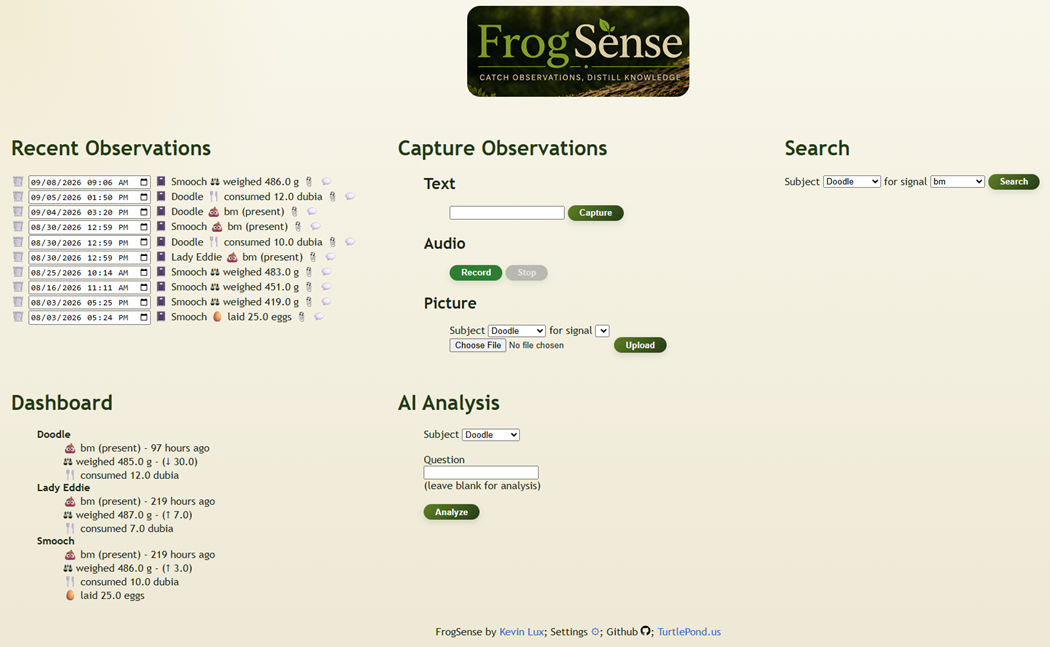
Image Use Example
Assume you’re in the field. You have a subject in front of you, being weighed. It could look like the following image.
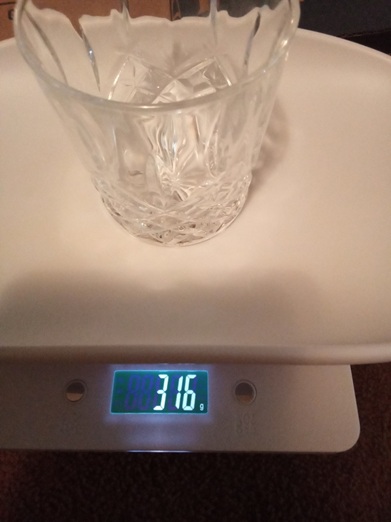
If you use the image option to capture the observation, you will select the subject and the signal you want to extract — in this case, Weight. FrogSense extracts the value from the image, validates it against the configured signal, and creates a structured observation while retaining the original image as evidence.